Eco Bytes |
[home] |
Navigation
HOARfD
25 August 2025Pronounced HOARD (The 'F' is silent), Headless On-demand Automatic Raspberry pi (Floppy) Dumper is designed to run unattended on a dedicated headless Raspberry Pi without an internet connection or extra dependencies. Just flash any old Raspberry Pi with any typical Raspberry Pi OS, copy the .py script over, set it to run as a service at startup, and reboot. Now you're ready to copy the contents from any floppy in a USB floppy drive to a USB flash drive.
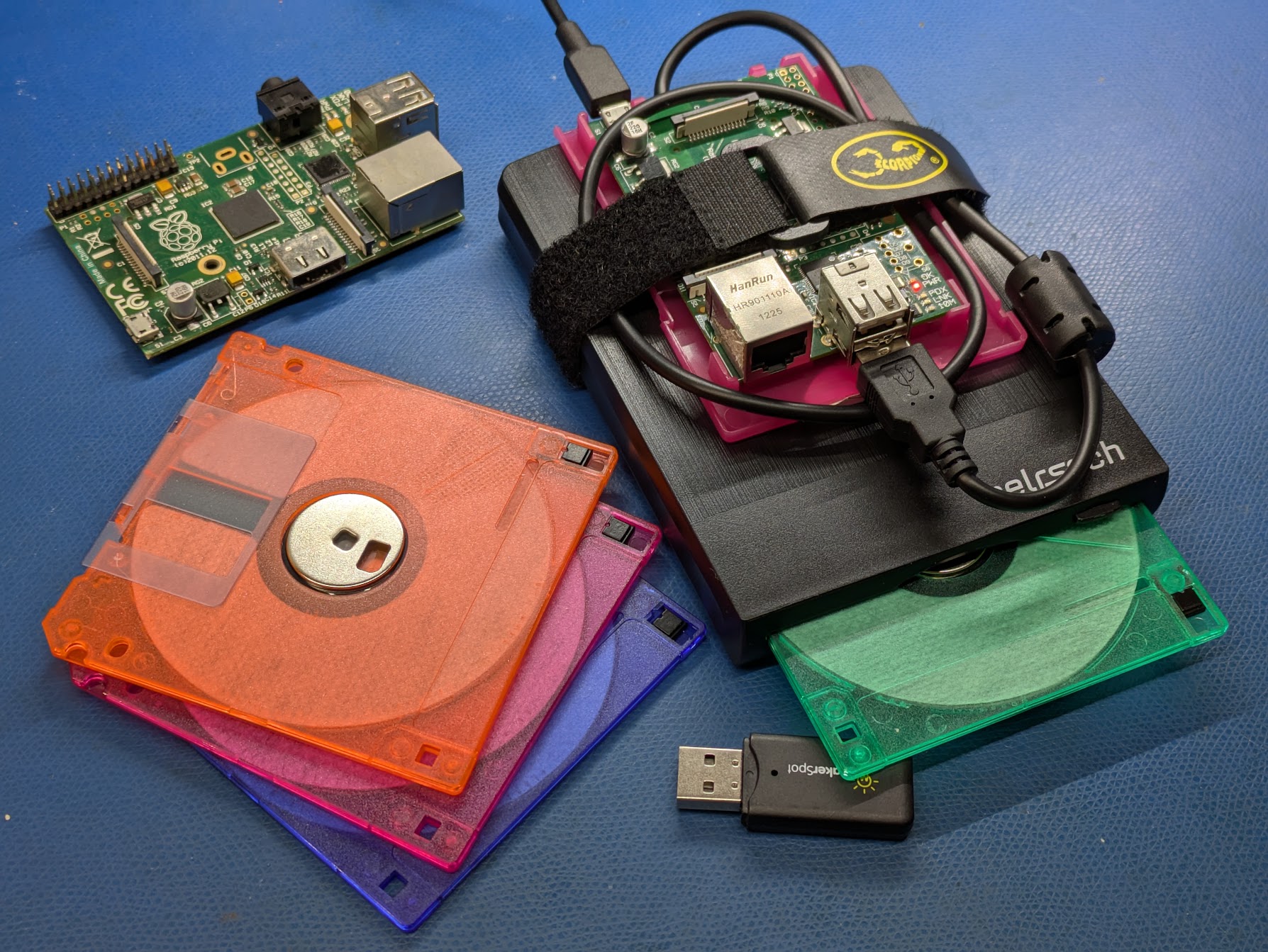
A USB Floppy drive with a Raspberry Pi Model 1 mounted on top.
About HOARfD
HOARfD was intended for copying floppy disks from Sony Mavica FD cameras rapidly in the field. It has been tested on an original Raspberry Pi 1 running Raspberry Pi OS Lite (32-bit) (Release 2025-05-13).
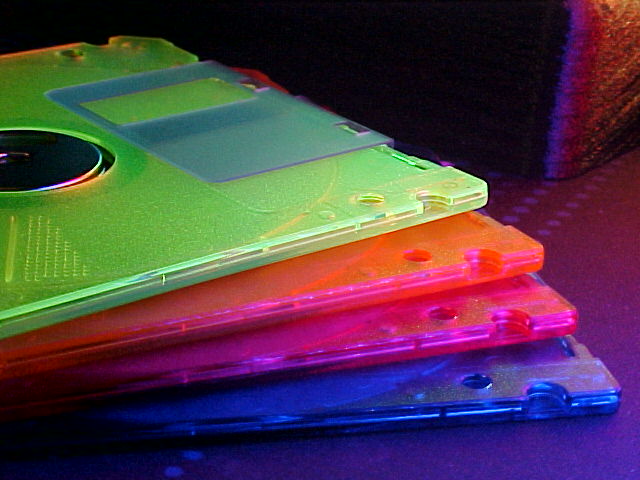
Stack of floppy disks. Photo taken with a Sony Mavica FD75.

Another example photo from my Sony Mavica FD75.
Features
- Automatic Device Detection by detecting the size of USB storage devices as listed in lsblk
- Automatic Detection: No need to manually start the copy; it waits for you to insert a disk.
- Safe Archiving: Each disk copy is given a unique folder. The disk is never written to or formatted.
- Open Source: The full source code is available for you to inspect and modify!
System Requirements
Floppy Copy is a Python program. To run it, you'll need:
- A Raspberry Pi with at least two USB ports.
- Python 3.x (comes standard with Raspberry Pi OS and Lite versions)
- USB Floppy Drive I'm using a generic no-name one
- USB Flash Drive or any removable flash media to store your copied/dumped files
Run Automatically on Startup
- Flash a vanilla headless Raspberry Pi.
- Copy this python script to the home directory (
/home/pi/HOARfD.py). - Run
sudo nano /etc/systemd/system/HOARfD.servicein terminal. -
Paste the following into that file:
[Unit] Description=HOARfD Python Program After=network.target [Service] ExecStart=/usr/bin/python /home/pi/HOARfD.py WorkingDirectory=/home/pi StandardOutput=inherit StandardError=inherit Restart=always User=root [Install] WantedBy=multi-user.target - Reboot the Pi with a USB floppy drive plugged in.
- System is now ready to receive a USB memory stick and a Floppy disk.
Download Now!
You can visit the GitHub page here or click the link below to download the latest version of HOARfD!
Download HOARfD (v4.2)
Source Code
Go on make it yourself.
Copyright © All Rights Reserved.